Looking to fix WPForms Google Sheets integration issues? If your form entries are not syncing or the connection is not working properly, this guide will help you resolve it step-by-step.
Many users face issues where WPForms does not send data to Google Sheets or stops syncing after updates. In this article, you’ll learn how to fix WPForms Google Sheets integration and ensure smooth data flow.
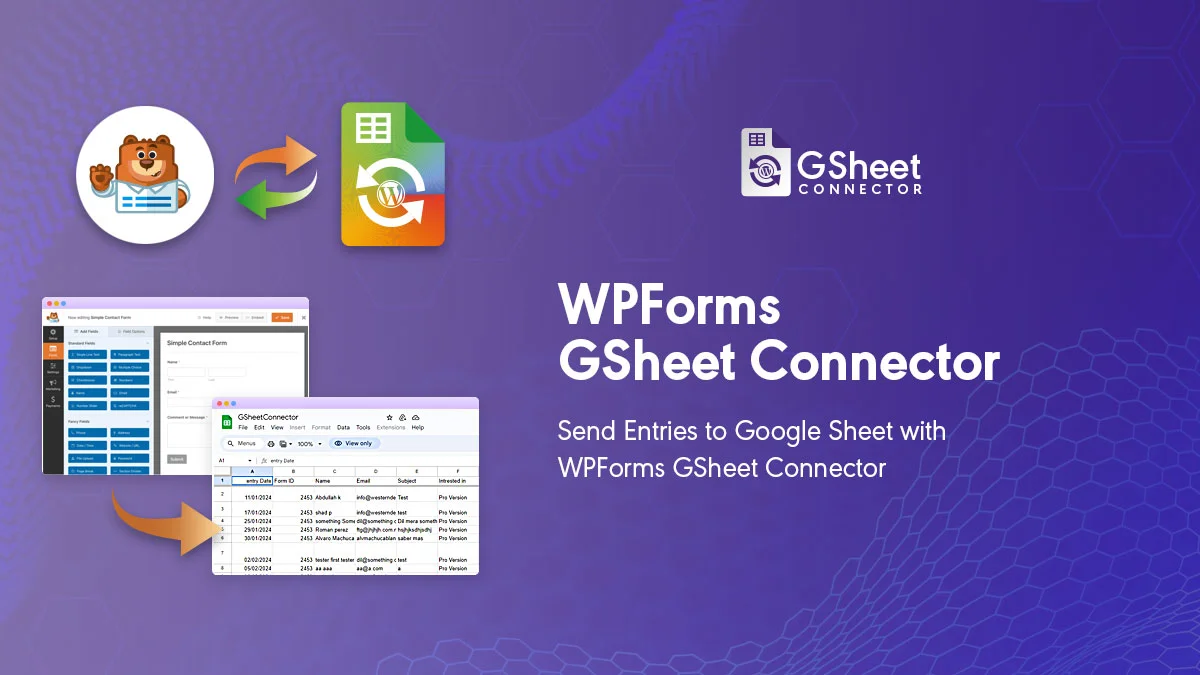
WPForms Google Sheets integration is widely used by businesses, marketers, and website owners to automate form data collection. Instead of manually exporting entries, you can directly send WPForms submissions to Google Sheets and manage everything in one place.
However, if the integration is not configured properly or plugins are outdated, you may face syncing issues. That’s why it’s important to understand how to fix WPForms Google Sheets integration correctly to ensure smooth and reliable data flow.
Why You May Need to Fix WPForms Google Sheets Integration
Sometimes WPForms Google Sheets integration may stop working due to plugin updates, API connection issues, or incorrect field mapping.
- Entries not appearing in Google Sheets
- Google account not connected properly
- Field mapping issues
- Plugin compatibility problems
How to Fix WPForms Google Sheets Integration
The most effective way to fix WPForms Google Sheets integration issues is to ensure all plugins are updated and configured correctly.
- Update WPForms and GSheetConnector plugins
- Reconnect your Google account
- Check Google Sheets API permissions
- Verify field mapping settings
Steps to Update the Plugin
- Log in to your WordPress dashboard
- Go to Plugins → Installed Plugins
- Locate WPForms GSheetConnector
- Click Update Now
Additional Troubleshooting Tips
If you still need to fix WPForms Google Sheets integration problems, try these steps:
- Clear website cache and browser cache
- Disable conflicting plugins
- Re-authenticate Google account
- Test form submission again
For better understanding of form handling and features, you can also refer to the
official WPForms documentation.
How to Setup WPForms Google Sheets Integration Properly
To avoid issues in the future, it’s important to configure everything correctly from the start.
👉 Follow this complete guide to setup WPForms Google Sheets integration
👉 Learn how to setup WPForms in WordPress
Benefits of Fixing WPForms Google Sheets Integration
Once your integration is working properly, you can:
- Automatically store form entries in Google Sheets
- Improve workflow automation
- Access data in real-time
- Reduce manual data handling
How to Avoid WPForms Google Sheets Integration Issues
To ensure your WPForms Google Sheets integration works smoothly, follow these best practices:
- Always keep WPForms and connector plugins updated
- Reconnect your Google account if authorization expires
- Double-check field mapping after making changes
- Test your form after updates or configuration changes
- Avoid using outdated or conflicting plugins
By following these steps, you can prevent most common issues and maintain a stable integration.
Common Reasons Behind WPForms Google Sheets Issues
There are several reasons why integration issues may occur:
- Outdated plugin versions causing compatibility issues
- Google API connection errors
- Incorrect field mapping between form and sheet
- Conflicts with other WordPress plugins
FAQs
How do I fix WPForms Google Sheets integration?
Update plugins, reconnect your Google account, and verify field mapping.
Why is WPForms not sending data to Google Sheets?
This can happen due to outdated plugins or incorrect API configuration.
How can I prevent WPForms Google Sheets issues?
Keep plugins updated and test your integration regularly.
Does WPForms Lite support Google Sheets integration?
Yes, it works with the connector plugin.
Share This Story, Choose Your Platform!
 Enable Email Notifications for Google Sheets
 How to Merge Cells in Google Sheets (Rows & Columns Guide)
About the Author: Abdullah Kaludi