
This guide makes it easy to install WPForms and the WPForms Google Sheet Connector plugin, step by step. Before you begin, make sure your server meets the requirements for WPForms Google Sheet Connector.
Installing WPForms
WPForms is the base plugin that lets you build the forms you’ll later connect to Google Sheets, so it needs to be installed first.
Log In to WordPress
- Go to your WordPress admin area (usually yourdomain.com/wp-admin).
Find the Plugins Section
- Click Plugins on the left side of your dashboard.
Add New Plugin
- Click Add New at the top of the page.
Search for WPForms
- Type “WPForms” in the search bar and locate the official plugin.
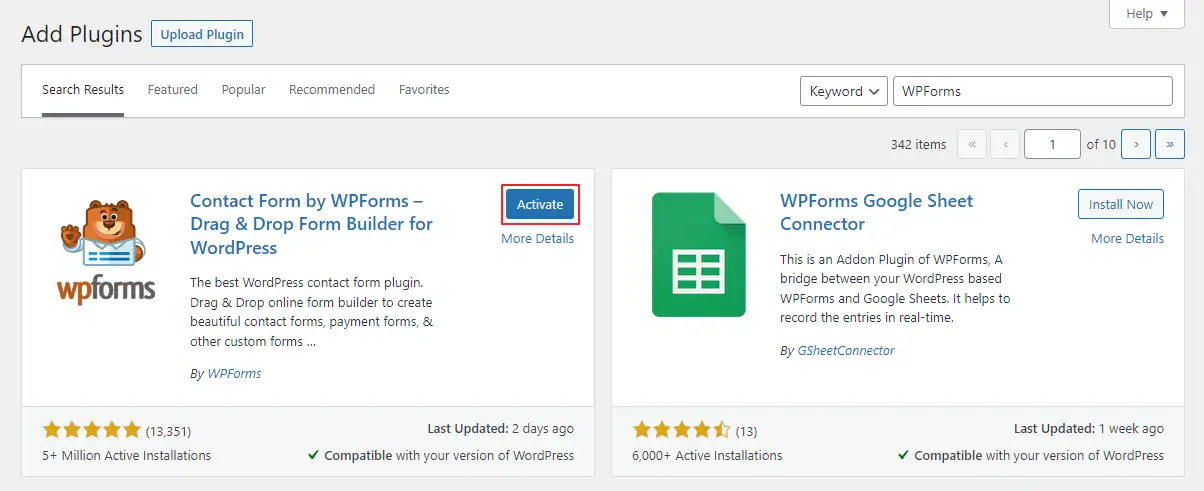
Install WPForms
- Click Install Now for WPForms.
Activate WPForms
- Once it’s installed, click Activate so WPForms becomes active on your site.
Installing WPForms Google Sheet Connector Plugin
With WPForms active, you can now install the connector add-on that links your form entries to Google Sheets.
Go Back to Plugins
- If needed, go back to the Plugins section.
Add New Plugin
- Click Add New again.
Search for WPForms Google Sheet Connector
- Type “WPForms Google Sheet Connector” in the search bar.
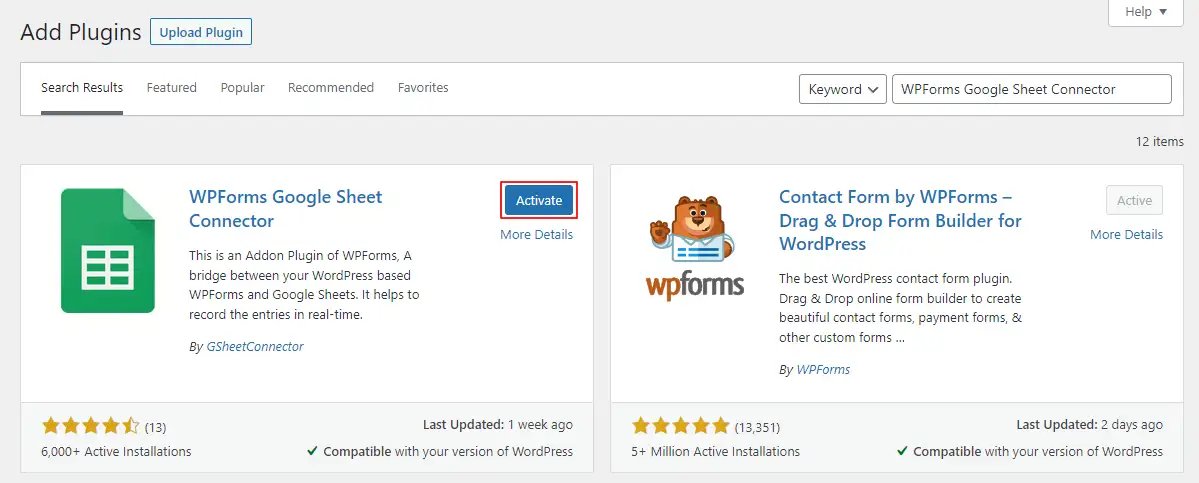
Install WPForms Google Sheet Connector
- Click Install Now for WPForms Google Sheet Connector.
Activate WPForms Google Sheet Connector
- After installing, click Activate to enable it on your site.
A Quick Video Showing an Installation
Installing from WordPress.org (Manual Method)
If plugin search is disabled on your server, or you’d rather download the file yourself, you can install the plugin manually using its ZIP file instead:
- Go to the official WPForms Google Sheet Connector page on WordPress.org and download the plugin’s ZIP file.
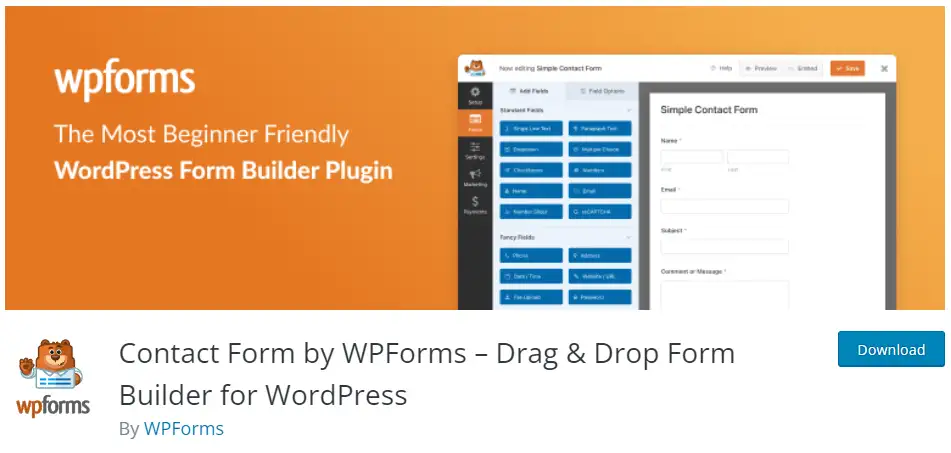
- In your WordPress Dashboard, go to Plugins → Add New.
- Click the Upload Plugin button and upload the WPForms Google Sheet Connector ZIP file you downloaded.
- Click Install Now, then Activate the plugin.
A Quick Video Showing an Installation
What’s Next?
Now that both plugins are installed and active, you’re ready to connect your Google account and start syncing form submissions. Read our WPForms Google Sheet Connector Introduction for an overview, or head straight into connecting your Google account to get started.
Frequently Asked Questions
Do I need to install WPForms before the Google Sheet Connector?
Yes. WPForms Google Sheet Connector is an add-on plugin, so WPForms must be installed and activated first before you install the connector.
Where can I install WPForms Google Sheet Connector from?
You can install it directly from your WordPress dashboard under Plugins → Add New, or download the ZIP file from the official WordPress.org plugin page and upload it manually.
What's the difference between the dashboard method and the manual ZIP method?
Both install the same plugin. The dashboard method lets you search and install directly inside WordPress, while the manual method is useful if your server blocks direct plugin searches or you want to keep a local copy of the ZIP file.
I installed and activated the plugin — what should I do next?
Activating the plugin only installs it; you still need to connect your Google account and configure your form feed before submissions start syncing. See our Introduction guide to get started.
Should I check server requirements before installing?
Yes, it’s recommended. Checking the server requirements (PHP, WordPress, and WPForms versions) beforehand helps you avoid installation or connection errors later.
Can I install the plugin on multiple WordPress sites?
Yes, you can install and activate WPForms Google Sheet Connector on as many WordPress sites as you need, following the same installation steps on each site.


