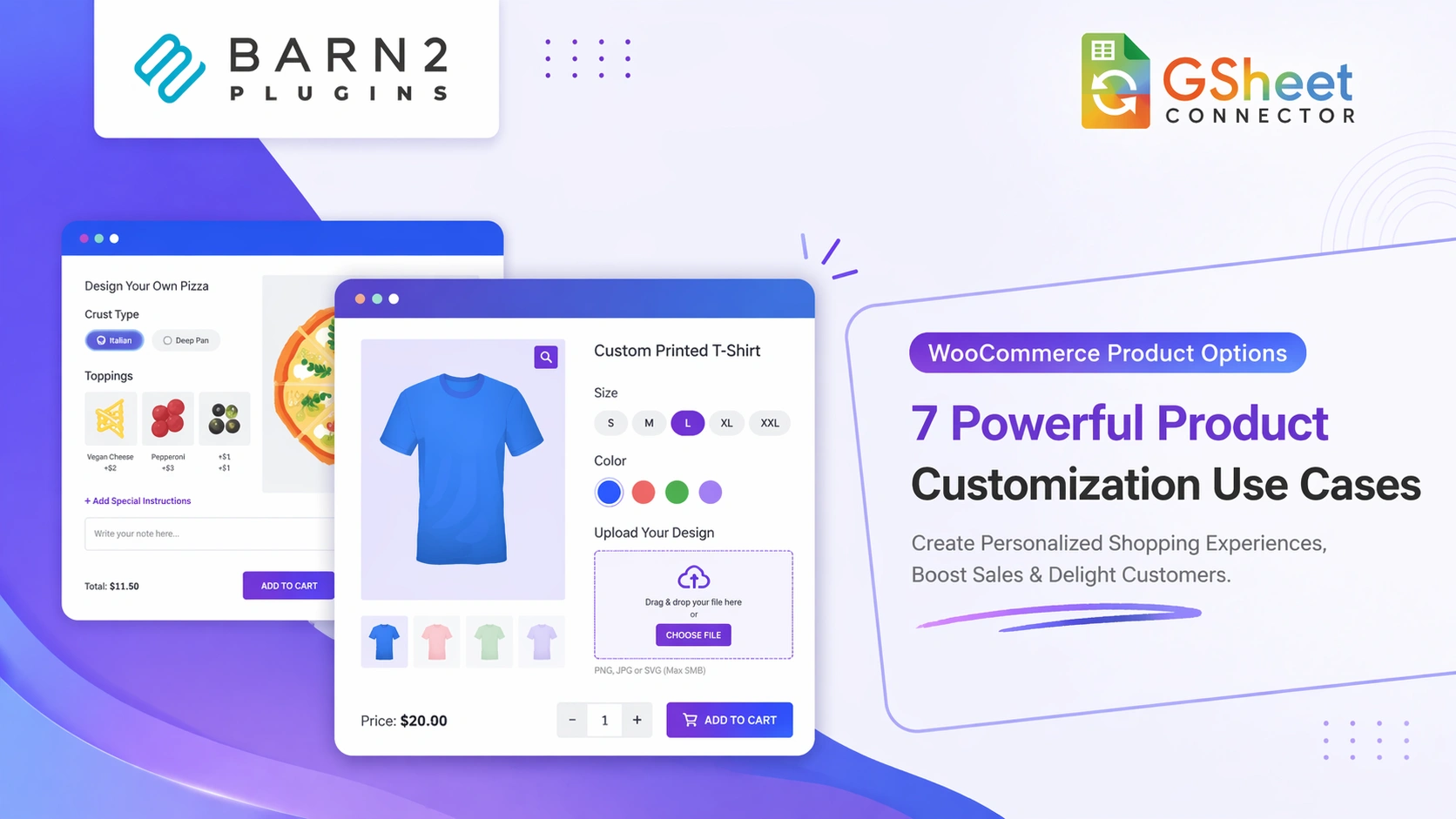
Selling online today is no longer about listing a product with a fixed price and waiting for orders. Customers expect flexibility. They want to customize what they buy, choose add-ons, preview changes, and clearly understand pricing before checkout.
This is where WooCommerce product options use cases become essential for modern online stores.
In this guide, we’ll explore real-world WooCommerce product options use cases, how they work, and how to automate custom order data using Google Sheets for better workflow management.
This guide is especially useful for store owners looking to improve conversions, streamline operations, and offer better product customization experiences.
If you're also collecting leads or form submissions, you can connect WordPress forms to Google Sheets to centralize all your data in one place.
What Is WooCommerce Product Options?
WooCommerce Product Options is an add-on plugin that extends the default WooCommerce product system. It allows store owners to add extra fields and customer inputs directly on product pages.
- Text input fields
- File uploads
- Checkboxes and radio buttons
- Dropdown menus
- Image buttons and color swatches
- Number and date inputs
- Dynamic price formulas for measurements
One of the most powerful solutions available is WooCommerce Product Options by Barn2, which provides a flexible and scalable way to add advanced customization without custom development.
Why Default WooCommerce Is Not Enough
By default, WooCommerce supports only simple products and variable products. While variations work well for size or color, they become difficult to manage when products require deeper customization.
- Customer-entered text
- File uploads
- Measurement-based pricing
- Multi-step product configuration
- Advanced add-on pricing rules
A dedicated WooCommerce product options plugin for custom product options solves these limitations while keeping the checkout experience clean and user-friendly.
7 Powerful Product Customization Use Cases
1. Customizable Products with Text and Image Uploads
This is one of the most popular WooCommerce product options use cases.
You can sell:
- T-shirts
- Mugs
- Phone cases
- Photo frames
Customers can enter custom text, upload images, and review their selections before checkout. This improves buyer confidence and reduces order errors.
2. Food and Restaurant Ordering with Extra Toppings
Restaurants and food delivery businesses use product options to allow:
- Extra toppings
- Spice levels
- Size selection
- Add-ons and combos
Each option can include dynamic pricing, making WooCommerce suitable for full ordering systems.
3. Gift Wrap and Add-On Services
Increase average order value by offering:
- Gift wrapping
- Personalized messages
- Premium packaging
- Additional services
These can be added using simple checkboxes without creating separate products.
4. Product Configurator for Complex Products
If you sell complex products like:
- Custom bikes
- Computers
- Furniture
- Equipment bundles
You can create step-by-step product configurators where customers select components before purchasing.
5. Made-to-Measure Products with Price Formula
Perfect for businesses selling:
- Curtains
- Flooring
- Blinds
- Fabric
Using pricing formulas, the product price updates automatically based on user-entered measurements.
6. File-Based and Custom Service Products
For printing businesses and service providers:
- Customers upload files
- Add instructions
- Customize requirements
You can charge based on input, making pricing transparent and scalable.
7. Conditional Logic for a Cleaner Experience
Conditional logic ensures that only relevant fields appear based on user selections.
This keeps product pages clean while still supporting advanced customization.
👉 Start building customizable products:
Try WooCommerce Product Options
How the Product Options System Works
- Create option groups
- Choose where they appear
- Add fields and pricing rules
- Save and publish
Compared to manually managing variations or exporting CSV files, using a WooCommerce product options plugin significantly improves efficiency and scalability.
Sync Custom Order Data to Google Sheets in Real-Time
While product options help you collect detailed customer input, managing that data efficiently is just as important—especially for stores handling high volumes or complex configurations.
You can send WooCommerce data to Google Sheets automatically and streamline your entire order management process.
Recommended integration: To streamline your workflow, you can use WooCommerce Google Sheet Connector (Free) or upgrade to the PRO version for advanced features like real-time sync, custom mapping, and enhanced automation.
What Data Can Be Synced?
- Order ID and status
- Product name
- Selected customization values
- Uploaded file links
- Measurement inputs
- Final calculated price
Example Workflow
- Customer customizes a product
- Places an order
- Data is instantly sent to Google Sheets
- Your team processes orders efficiently
- Customer customizes a product
- Places an order
- Data is instantly sent to Google Sheets
- Your team processes orders efficiently
👉 Automate your workflow:
Use Google Sheet Connector to eliminate manual data handling and manage orders in real time.
Why This Approach Works Long-Term
- Better customer experience
- Higher conversion rates
- Organized order management
- Scalable workflows
- Reduced manual errors
Final Thoughts
If your WooCommerce store offers customizable or made-to-order products, adding product options is essential.
Using WooCommerce Product Options allows you to create flexible product experiences, and combining it with Google Sheets automation helps you scale efficiently.
👉 You can also automate your entire WordPress workflow with Google Sheets and eliminate manual data handling across your website.
Frequently Asked Questions
What are WooCommerce product options?
They are additional fields like text inputs, dropdowns, checkboxes, and file uploads that allow customers to customize products.
Do I need a plugin?
Yes, WooCommerce requires a plugin for advanced customization features.
Can I send data to Google Sheets?
Yes, using Google Sheet Connector, you can sync WooCommerce order data automatically.
What are common use cases?
Personalized products, food ordering, configurators, and custom services.
Share This Story, Choose Your Platform!
 WPForms Google Sheets: How to Connect (Step-by-Step Guide)
About the Author: Abdullah Kaludi