
CF7 Google Sheet Connector PRO
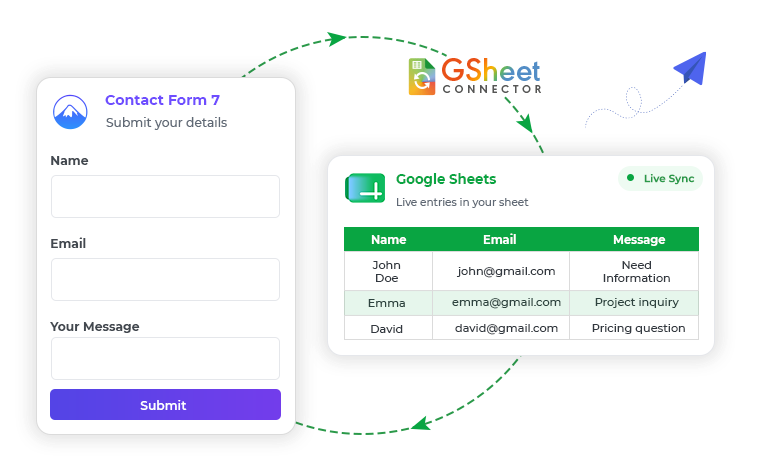
CF7 Google Sheet Connector is a WordPress plugin that automatically sends every Contact Form 7 (CF7) submission directly into a connected Google Sheet in real time. It replaces manual data entry and expensive third-party integrations, letting you track, organize, and follow up with leads and clients from one spreadsheet – no coding required.
- 14-Day Refund Policy
- 24×7 Priority Support
- No Third-Party Servers
- Secure OAuth Authentication
- GDPR friendly
- Your Data Never Stored By Us
(All GSheetConnector Add-ons)
GSheetConnector for CF7
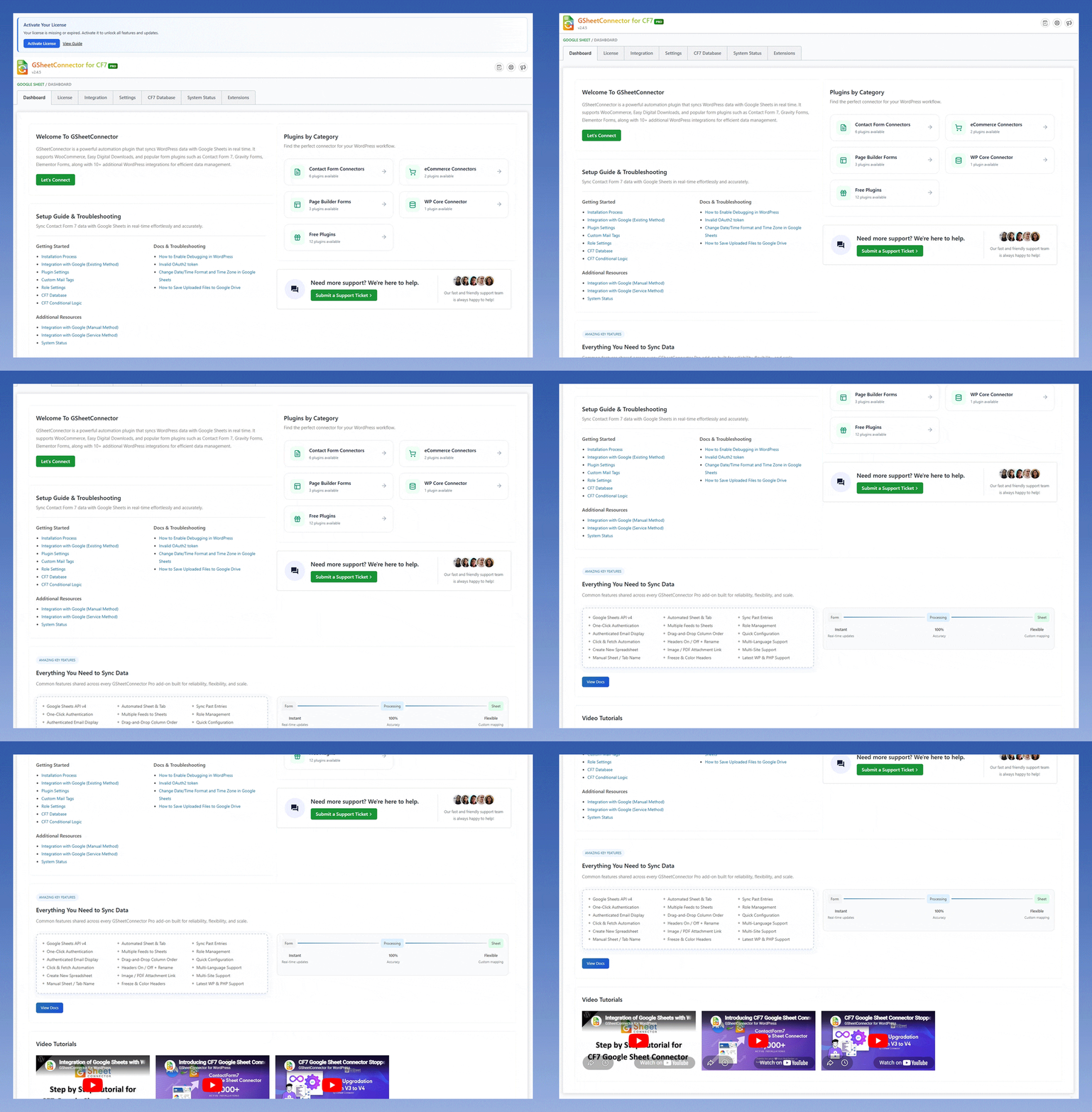
Everything You Need to Set Up
CF7 with Google Sheets
Access setup guides, documentation, changelog updates, and video tutorials to get the most out of CF7 GSheetConnector.
Why our plugin is the right fit
for your team
Automatically send CF7 submissions to Google Sheets, customize your integration settings, and
keep your form entries organized with an easy setup process.
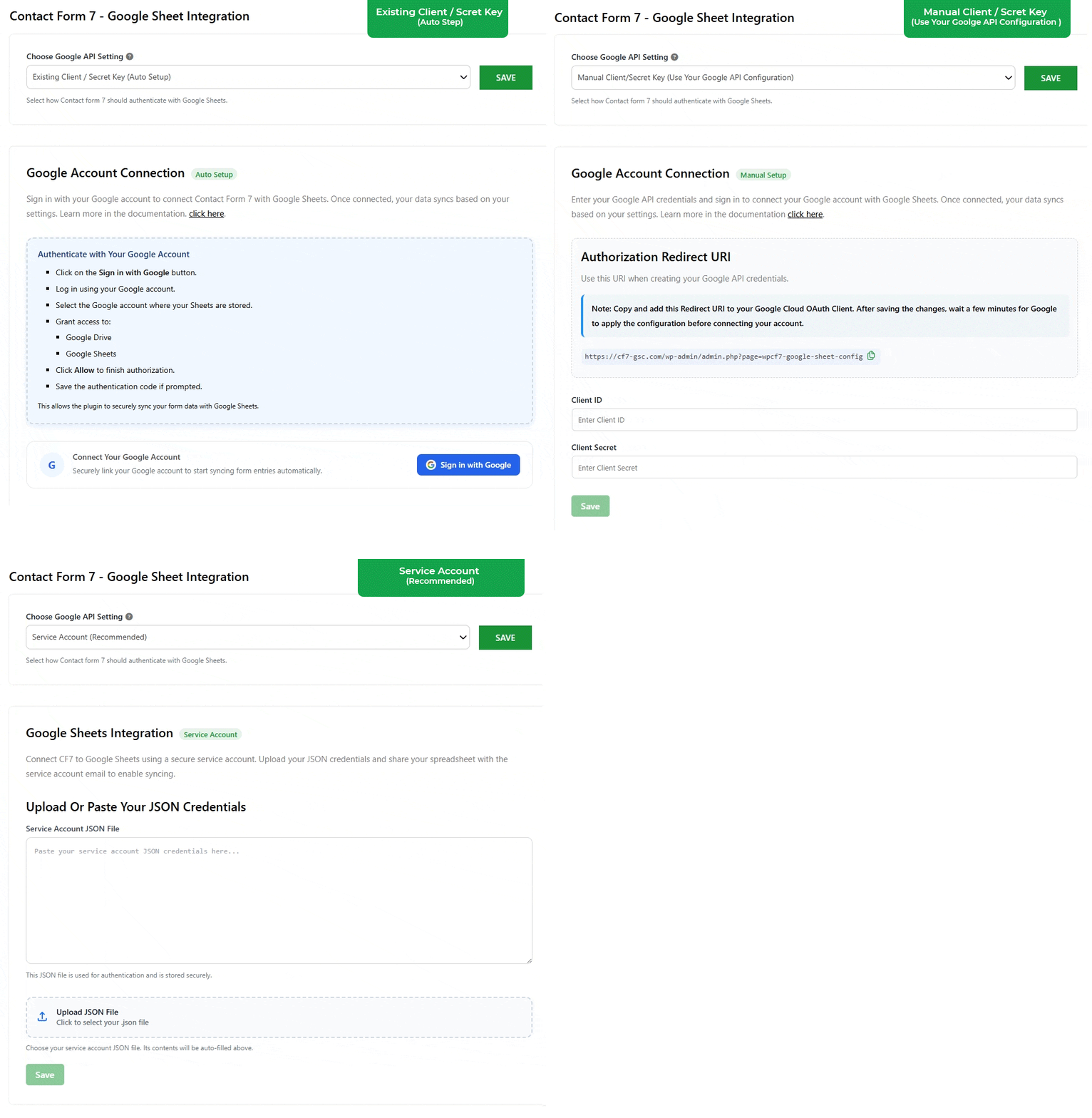
Flexible Ways to Connect CF7 with Google Sheets
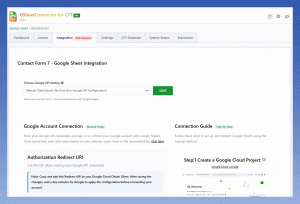
Choose the connection method that best fits your workflow. Whether you prefer quick Google authentication, manual configuration, or a dedicated service account, GSheetConnector provides secure and reliable options to sync CF7 submissions directly to Google Sheets in real time.
- Supports Existing, Manual & Service Account Methods
- Secure Authentication for Every Connection Type
- Real-Time CF7 Data Synchronization
- Flexible Setup for Beginners, Developers & Teams

Advanced Feed Management for Smarter Data Sync
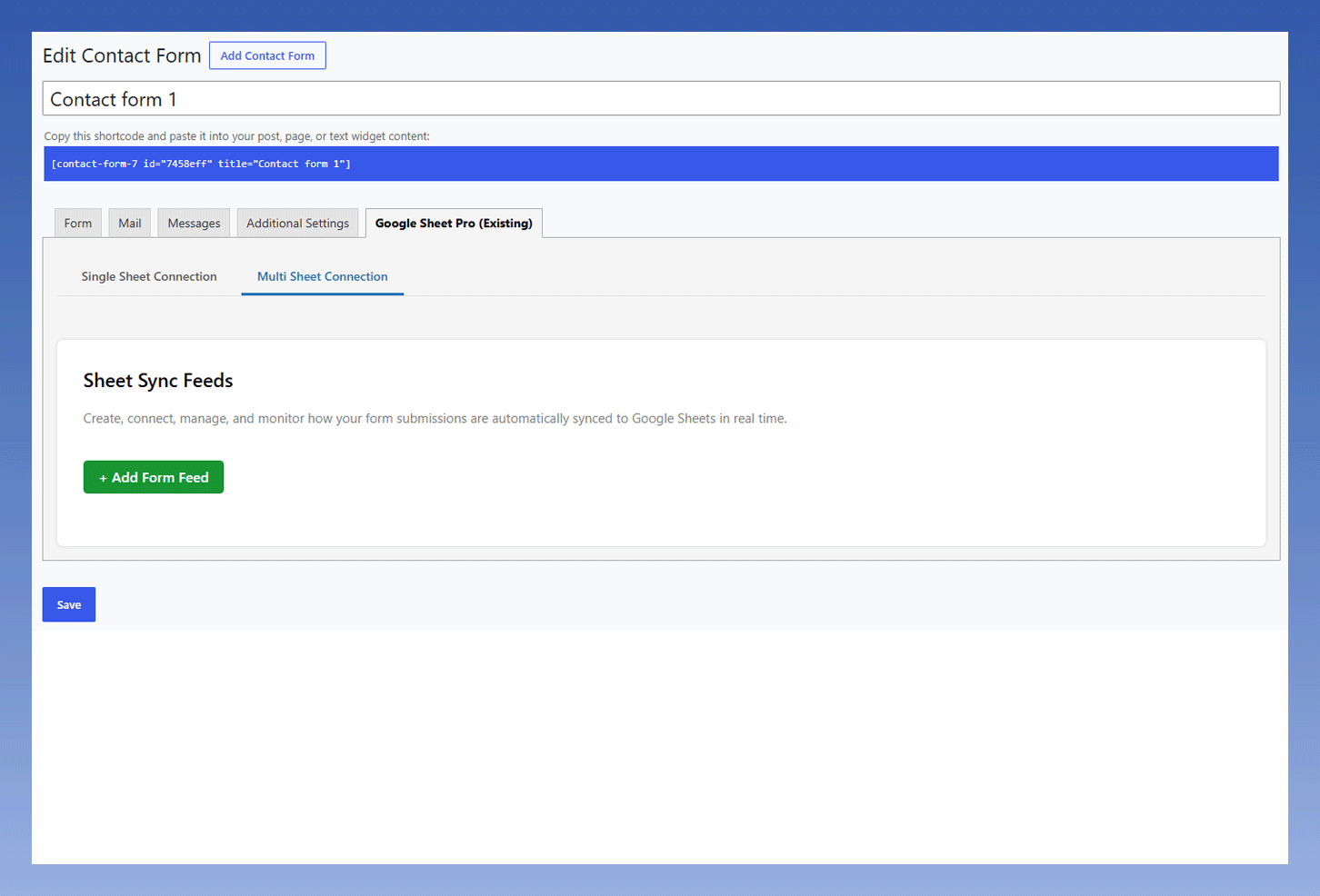
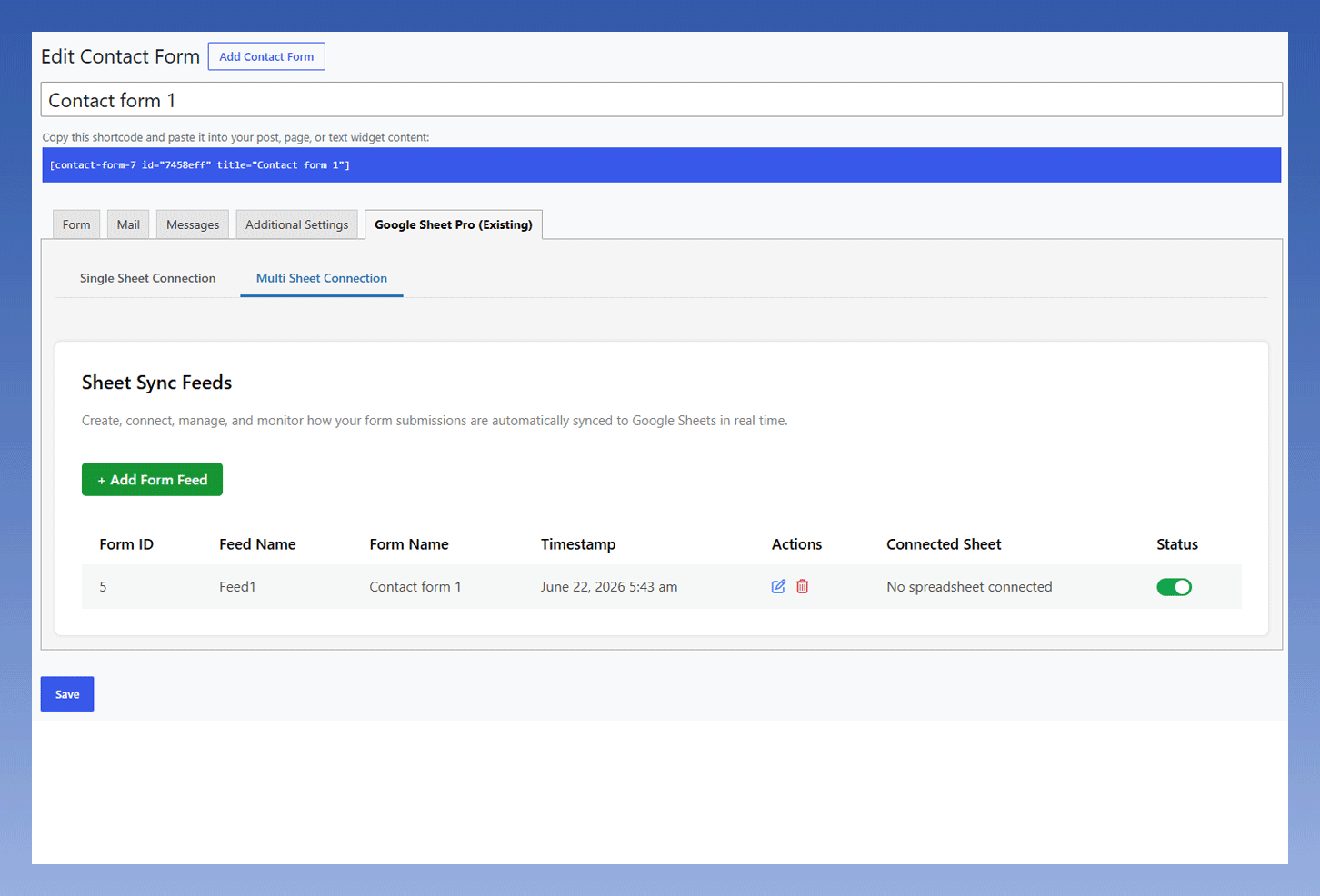
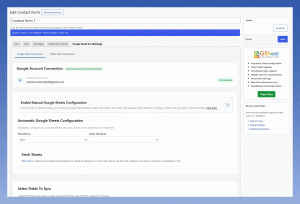
Create and manage multiple CF7 feeds with complete flexibility. Send form submissions to different Google Sheets, organize data across multiple tabs, apply conditional logic, and customize field mapping all from an intuitive feed management interface designed to simplify complex workflows.
- Create Single or Multiple Feeds per Form
- Send Entries to Different Google Sheets & Tabs
- Conditional Feed Rules Based on Form Data
- Manual Google Sheets Configuration & Select Fields to Sync
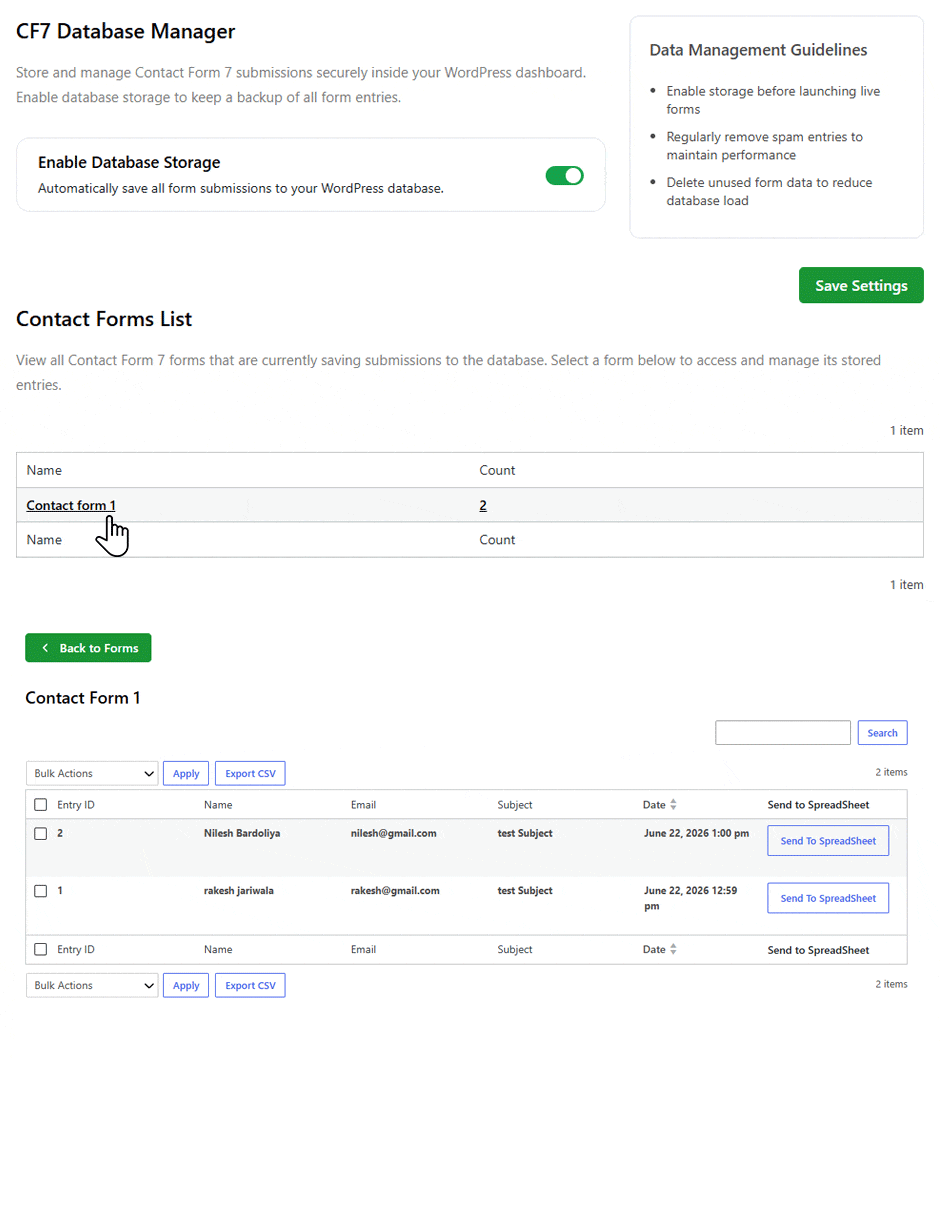
Keep Your Form Data Organized and Accessible
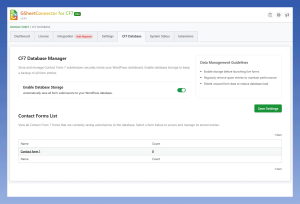
Automatically save CF7 submissions in your WordPress database and access them whenever you need. Manage user permissions, monitor submission records, and ensure important form data is always available.
- Access Submission Records Anytime
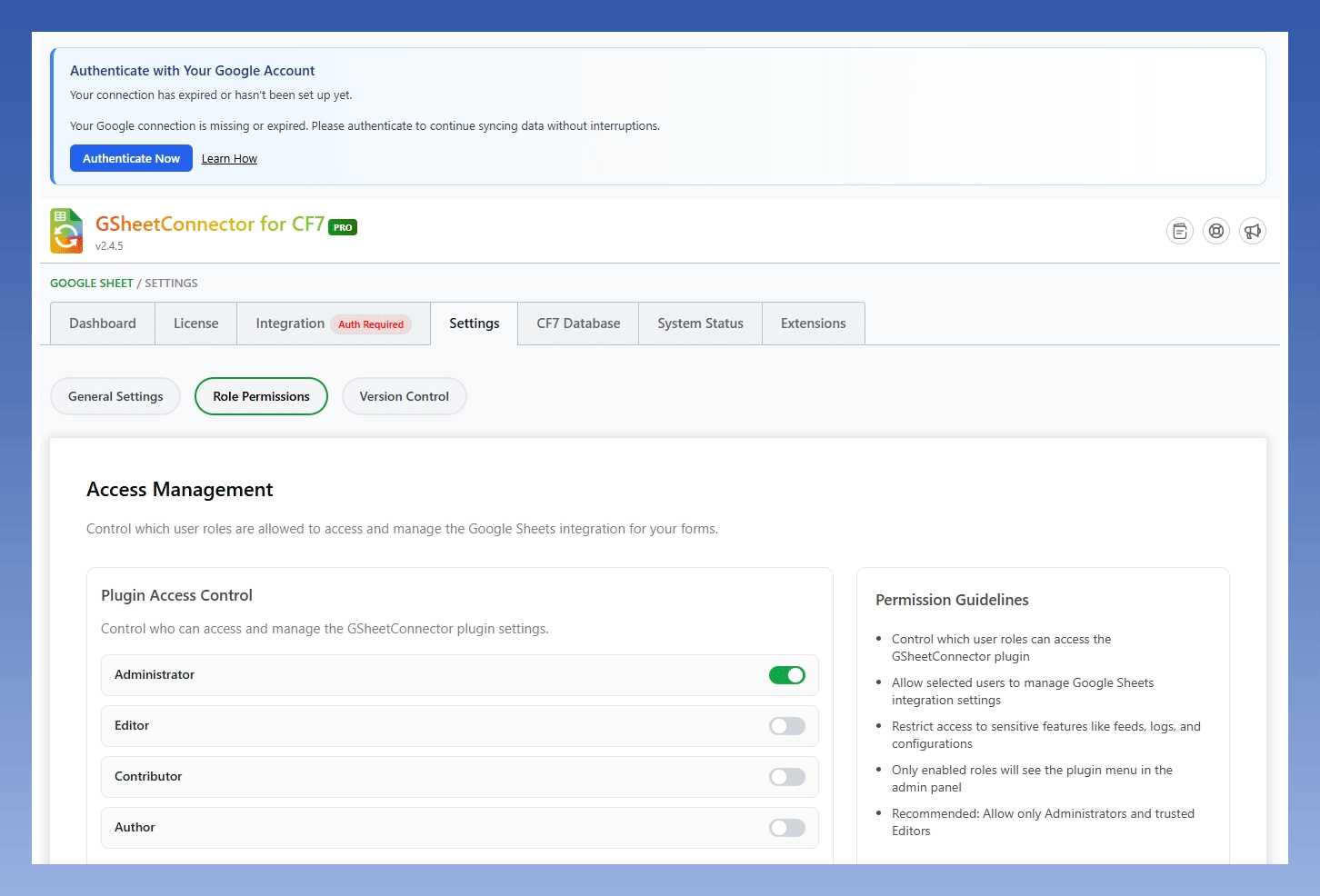
- Manage Permissions for Your Team
- Send Entries to Google Sheets When Needed
- Centralized Dashboard for Better Control
Real-Time Data Sync
Automatically send CF7 submissions to Google Sheets instantly as soon as a form is submitted.
Multiple Authentication Methods
Connect CF7 with Google Sheets using Existing, Manual, or Service Account authentication methods based on your workflow and security requirements.
Conditional Feed Logic
Send CF7 submissions to Google Sheets only when specific form conditions are met, helping you automate workflows more efficiently.
Multi-Feed Management
Create multiple feeds for a single CF7 form and send entries to different Google Sheets based on your business needs.
CF7 Database Support
Store CF7 submissions securely in your WordPress database for backup, record keeping, and easy entry management.
Google Drive File Uploads
Automatically save uploaded files from CF7 directly to Google Drive and store shareable file URLs inside Google Sheets.
Custom Field Mapping
Map CF7 fields to specific Google Sheet columns and customize how form data is organized.
Drag & Drop Column Ordering
Rearrange Google Sheet columns easily and control exactly how CF7 data appears in your spreadsheet.
CF7 Special Mail Tags
Use CF7 special mail tags and custom mail tags to capture additional information and sync it directly to Google Sheets.
Hidden Field Support
A hidden field stores a value in your form without showing the field to visitors. The value is submitted with the form like other fields and can be sent to Google Spreadsheets.
Image & PDF Attachments
Save image, PDF, and file attachment URLs in Google Sheets for quick access to uploaded CF7 files.
Download Excel & CSV
Export and download CF7 entries in Excel or CSV format for reporting, auditing, backups, and advanced data analysis.
CF7 GSheetConnector PRO New 2026
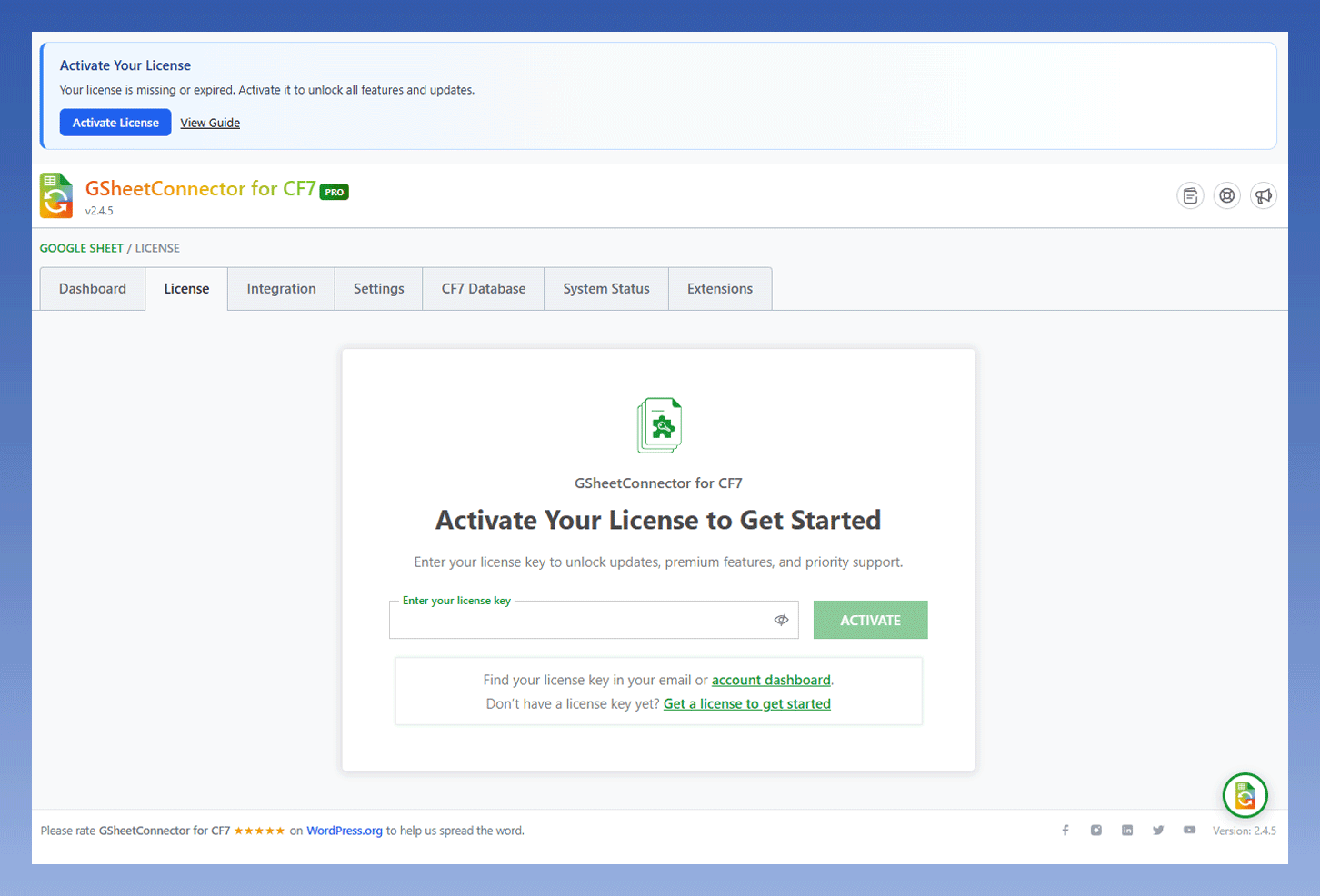

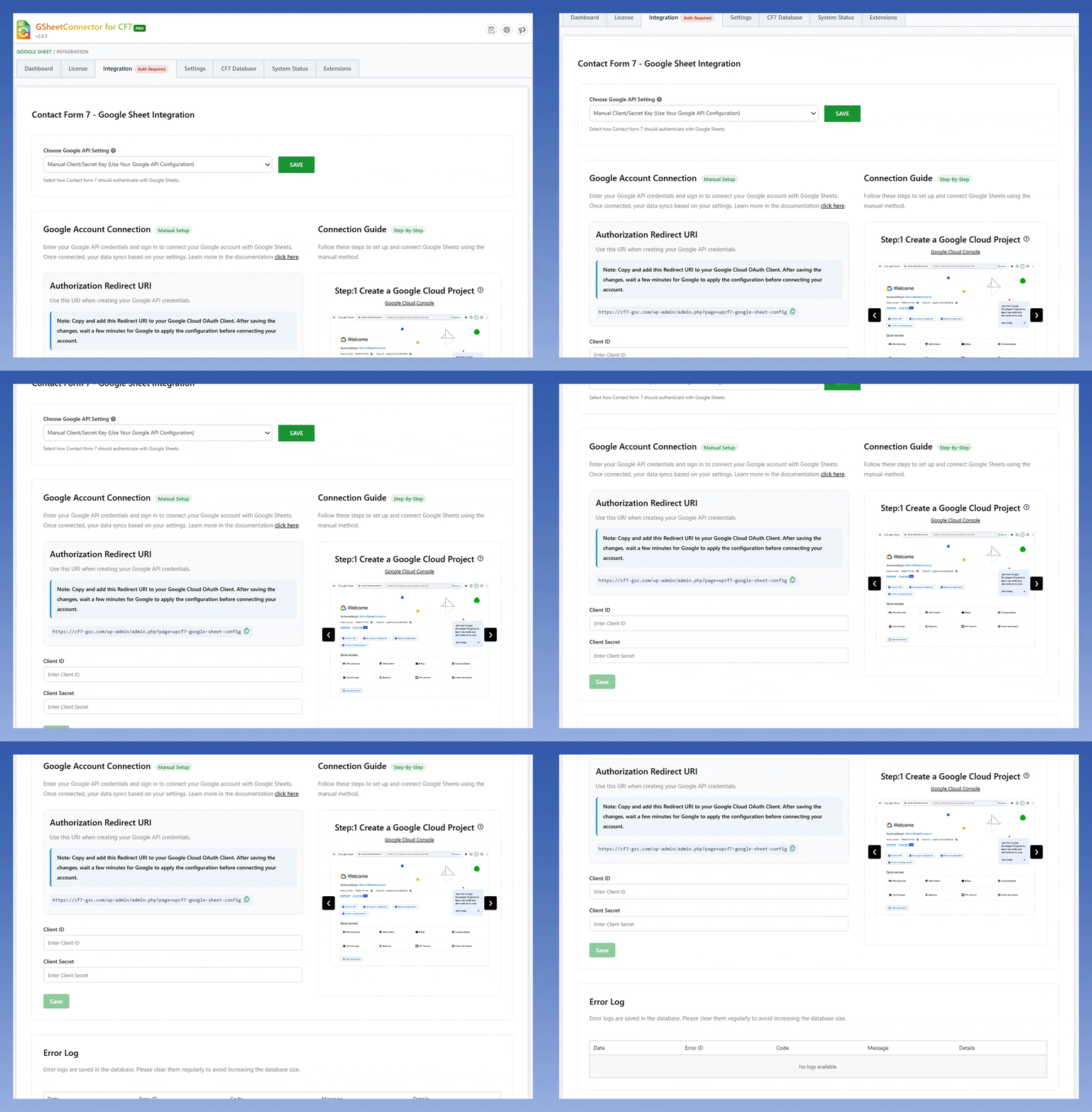
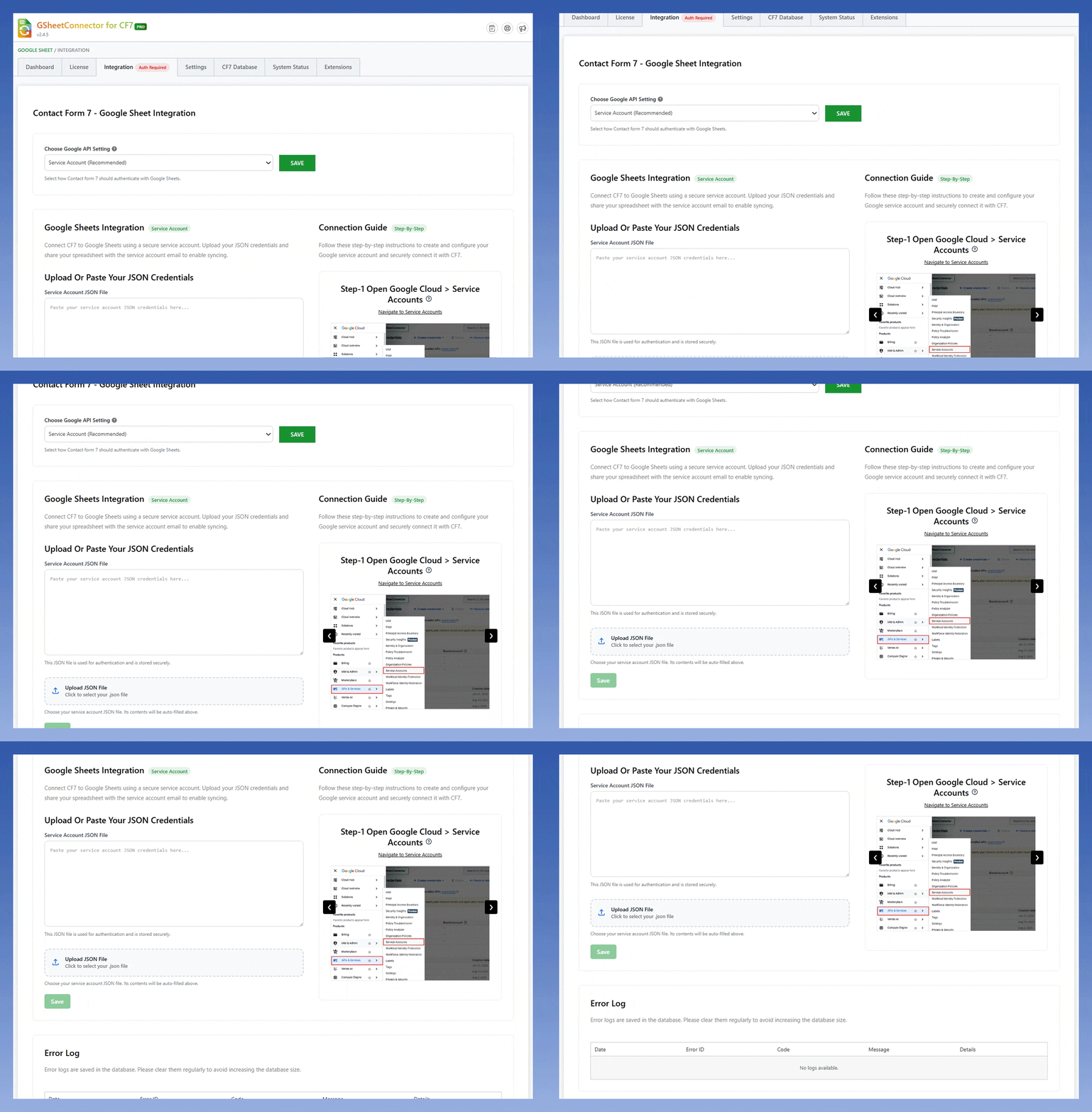
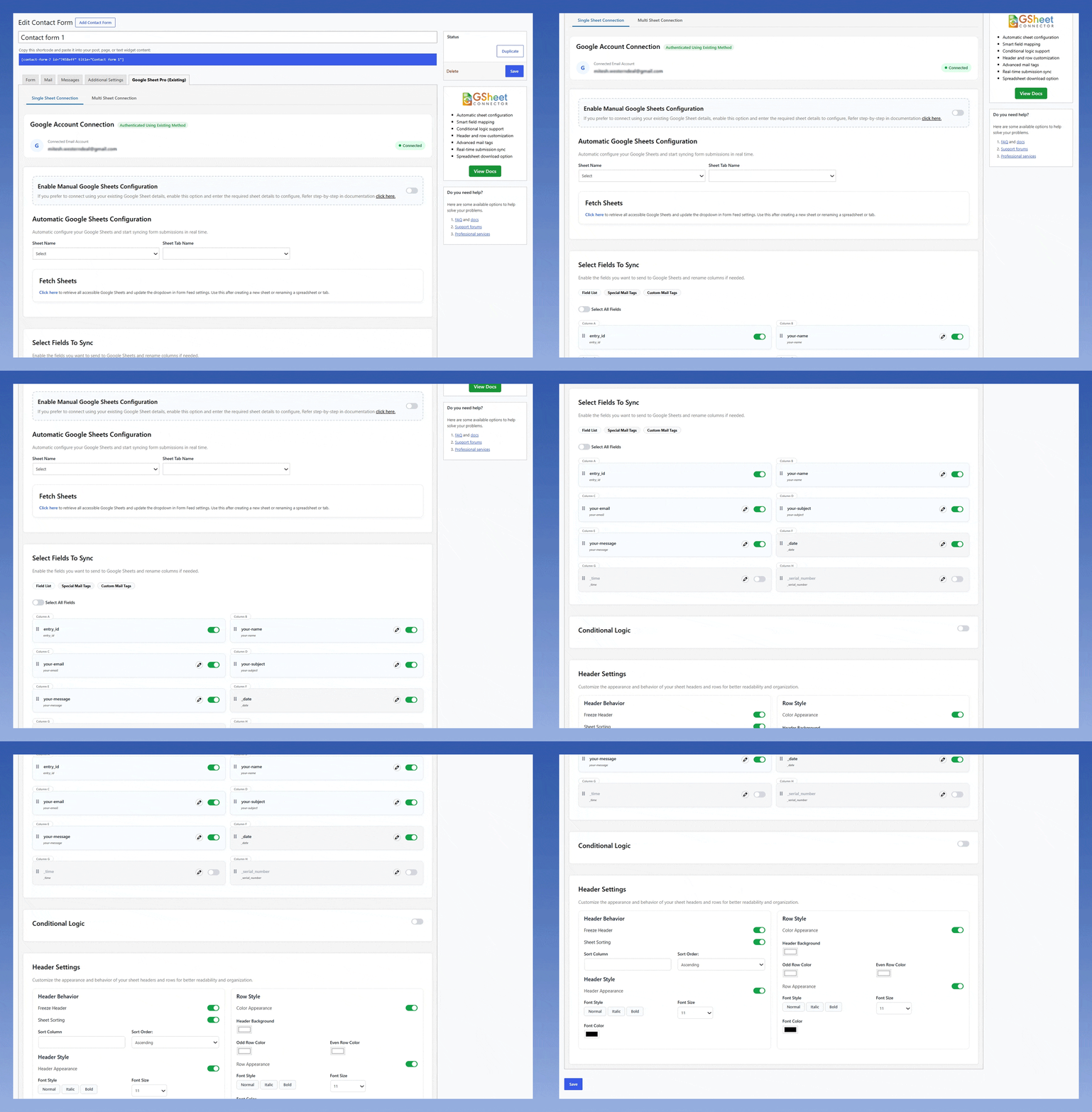











| Feature Comparison | Free | Pro |
|---|---|---|
| Latest Google Sheets API Integration | ✓ | ✓ |
| One-Click Google Account Authentication | ✓ | ✓ |
| Existing Google Account Authentication Method | ✓ | ✓ |
| Service Account Authentication Method | ✓ | ✓ |
| Real-Time Form Submission Sync | ✓ | ✓ |
| Manual Google API Configuration Method | — | ✓ |
| Manual Google Sheets Configuration | ✓ | ✓ |
| Automatic Google Sheets Configuration | — | ✓ |
| Create New Google Spreadsheet Option | — | ✓ |
| Connect Multiple Forms to One Spreadsheet | — | ✓ |
| Send File & PDF Attachment Links to Google Sheets | — | ✓ |
| CF7 Special mail tags & Custom mail tags | — | ✓ |
| Hidden Field Support | — | ✓ |
| Reorder Spreadsheet Columns | — | ✓ |
| Rename Spreadsheet Columns | — | ✓ |
| Local File Storage Support | — | ✓ |
| Google Drive File Storage Integration | — | ✓ |
| Advanced CF7 Pipes Support ( Label | Value ) | — | ✓ |
| Advanced Conditional Feed Logic | — | ✓ |
| Enable/Disable Sheet Headers | — | ✓ |
| Download Excel & CSV | — | ✓ |
| Freeze Spreadsheet Header Row | — | ✓ |
| Automatic Field Mapping | — | ✓ |
| Priority Customer Support | — | ✓ |
Connect CF7 to Google Sheets in Real-Time
Connect CF7 with Google Sheets and automatically sync form submissions in real time. Secure OAuth authentication, smart field mapping, database support, file attachment handling, and automated data collection help you manage entries more efficiently from a single spreadsheet.
- Real-Time Data Sync
- Fast & Easy Setup
- Latest WP & PHP Support
- Better Reporting & Analysis
- Organized Data Collection
- Workflow Management
- Trusted by 100K+ Users
- Secure OAuth 2.0
- 4.5/5 Average Rating








Jon


Built for Reliable Google Sheets Integration
Secure authentication, direct Google Sheets integration, regular updates, and dedicated support to help you automate CF7 with confidence.
Simple, Honest Pricing
14-day money-back guarantee. $20 off all PRO licences, applied at checkout.
- Unlimited site activations
- Yearly license renewal
- Plugin updates and support during the active license period
- Latest WordPress & PHP Compatibility
- Multi-language and multisite compatible
- 1 site License
- Paid once - no renewal lincense
- Lifetime updates
- Lifetime priority support
- Latest WordPress & PHP Compatibility
- Multi-language and multisite compatible
- Select License: 1, 3, or 10 Sites
- Yearly license renewal
- Annual plugin updates
- Annual support
- Latest WordPress & PHP Compatibility
- Multi-language and multisite compatible
The full feature list is in the Free vs PRO table above the cards only show what differs between plans.

How do I connect Contact Form 7 (CF7) to Google Sheets?
CF7 GSheetConnector automatically sends Contact Form 7 submissions to Google Sheets. Authenticate your Google account, connect or select your spreadsheet, configure your form settings, and new submissions will begin syncing automatically.Related Guide:
Does CF7 Google Sheet Connector sync form submissions in real time?
Yes. Once Contact Form 7 is connected to Google Sheets, new form submissions are automatically sent to the connected spreadsheet in real time. You do not need to manually export and import form entries.
Is CF7 Google Sheet Connector free?
Yes. CF7 Google Sheet Connector has a Free version for connecting Contact Form 7 to Google Sheets. The PRO version adds advanced features such as Conditional Feeds, Multiple Feed Management, Custom Field Mapping, Google Drive file uploads, and other automation features.
PRO plans start at $39/year for one site.
Can I connect an existing Google Sheet to Contact Form 7?
Yes. CF7 GSheetConnector supports both new and existing Google Sheets. You can connect your spreadsheet during configuration and use it to receive Contact Form 7 submissions.
Related Guide:
Can I send CF7 entries to multiple Google Sheets?
Yes. The PRO version includes Multisheet Feed functionality that lets you configure multiple feeds and send form data to different Google Sheets or sheet tabs.
Related Guide:
Can I use Conditional Logic with CF7 Google Sheet Connector?
Yes. Conditional Logic lets you control which Contact Form 7 submissions are sent to Google Sheets based on specific field values or conditions. This gives you more control over which entries are synchronized.
Related Guide:
Can CF7 file uploads be saved to Google Drive?
Yes. The PRO version supports Google Drive file uploads. Files submitted through Contact Form 7 can be stored in Google Drive, while links to those files are saved with the corresponding data in Google Sheets.
Related Guide:
Can I customize Google Sheet column names?
Yes. You can rename, reorder, and organize column headers to match your preferred spreadsheet structure. CF7 GSheetConnector also supports Custom Mail Tags and Special Mail Tags for more flexible data mapping.
Related Guide:
Does CF7 Google Sheet Connector work with Elementor, Divi, Avada, and other page builders?
Yes. CF7 Google Sheet Connector works with Contact Form 7 forms embedded in Elementor, Divi, Avada, Gutenberg, the Classic Editor, and WordPress themes or page builders that support Contact Form 7.
As long as the Contact Form 7 form is working correctly on your website, GSheetConnector can send its submissions to Google Sheets.
Is CF7 Google Sheet Connector compatible with the latest version of Contact Form 7?
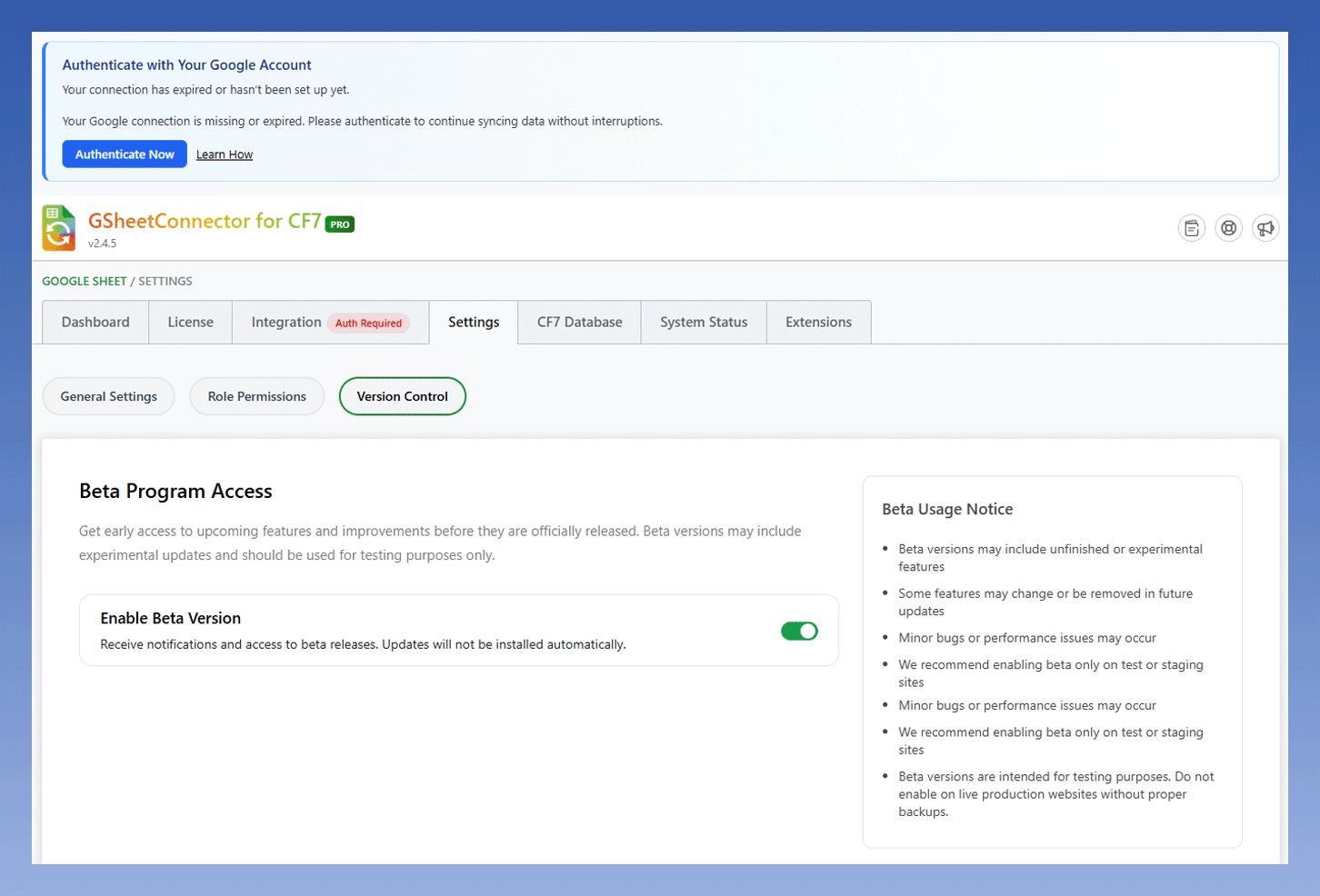
Yes. CF7 Google Sheet Connector is regularly updated to maintain compatibility with current versions of Contact Form 7, WordPress, PHP, and Google APIs.
Can I upgrade from the Free version to PRO without losing my existing Google Sheets connection?
Yes. You can upgrade from the Free version to PRO without losing your existing Google Sheets connection or configuration.
After activating PRO, you gain access to additional features such as:
- Conditional Feeds
- Multiple Feed Management
- Custom Field Mapping
- Google Drive File Uploads
- Advanced Automation Features
Can I use the same license on both my staging and live website?
Yes. You can use your license during development and testing before launching your live website.
When moving from a staging or development environment to production, deactivate the license on the old domain if required and activate it on your live website.
What is the refund policy for CF7 Google Sheet Connector PRO?
We offer a 14-day money-back guarantee on new CF7 Google Sheet Connector PRO purchases.
If the plugin does not work as described or you experience an issue that our support team cannot resolve, you can request a refund within 14 days of your purchase.
How do I fix CF7 entries not appearing in Google Sheets?
If Contact Form 7 entries are not syncing to Google Sheets, first verify that:
- Google authentication is active.
- Required Google Drive and Google Sheets permissions are granted.
- The spreadsheet and sheet tab are configured correctly.
- Your form feed settings are saved correctly.
If the issue continues, use the System Status and integration guides to troubleshoot your connection.
Troubleshooting Resources:


